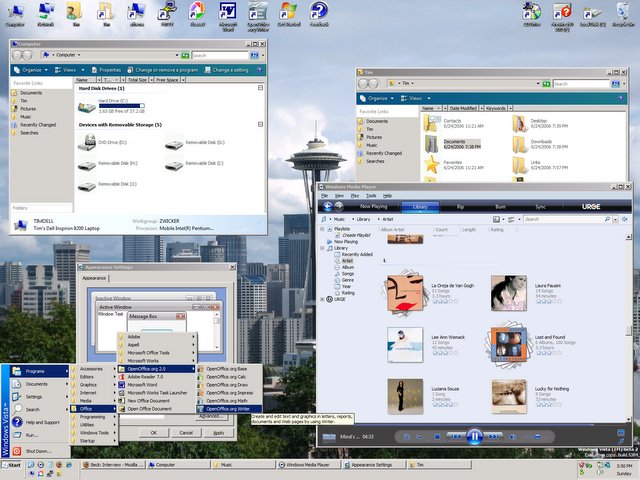
As I've mentioned before, my laptop is not the latest piece of hardware, and so my Vista experience has been sub-optimal. If I have too many things going on, it slows to a crawl. Sometimes Windows Explorer restarts itself. When I open, close, drag, or in general interact with windows, they flicker and sometimes disappear. It feels like when I installed the enhancements that came with MSIE 4.0 on our old 133MHz Win95 machine: the one that made it look and feel like Windows 98. Yep, I was a geek back then too.
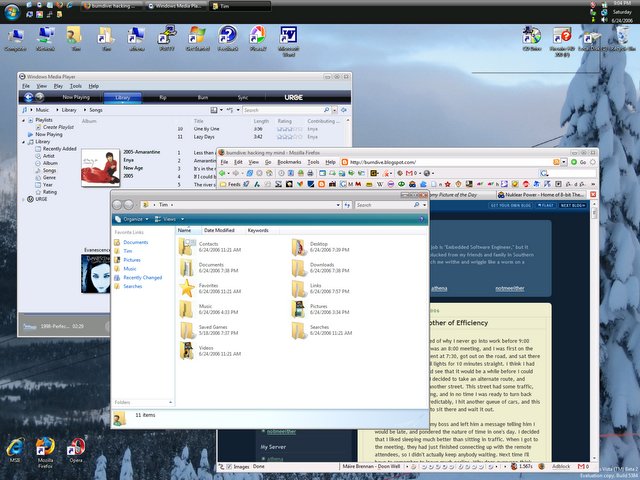
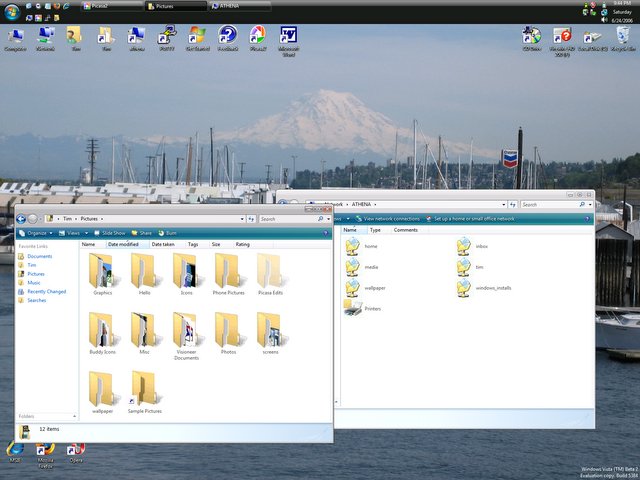
There's this fancy new feature where directories look like file folders turned on their sides with sheets that look like the documents and images inside. It's a bit like the thumbnail view from XP, only much, much more resource intensive. Linux does something similar (and I hear so does OSX), but without so much crunching on the hard drive and stuttering of the GUI. If I get fed up with all the crunching, I might try the "classic" look and feel, which hopefully will perform on par with XP on the same hardware. I would hate to think they made Windows less efficient at the same tasks, but it's been known to happen.
I like the directory structure of Vista a lot better than previous versions of Windows. It's more unix-like. There's a "Users" directory, which is a lot like the "Documents and Settings" directory, except it's shorter and has no spaces. Each user has a folder in this directory, but in stead of a "My Documents" folder, they have a set of folders for different kinds of files, like Pictures, Documents, Music, Saved Games, etc. The difference is subtle, but I count it as an improvement. I also noticed something interesting: application data is split into three categories: Local, LocalLow (for less CPU-intensive operations?), and Roaming. This means applications can save settings that are hardware-dependent, and settings that are user-dependent separately.
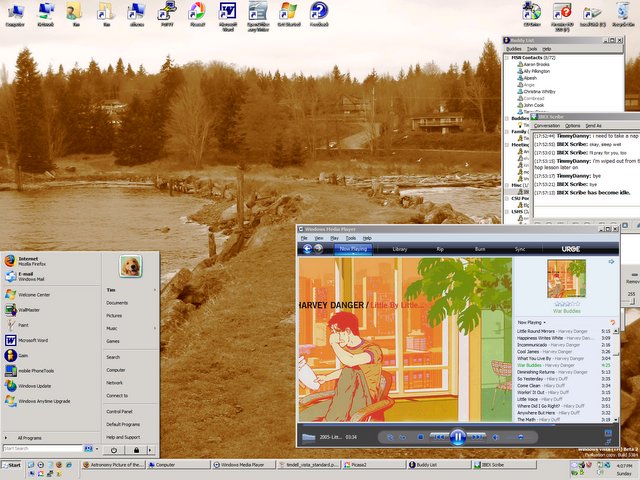
Windows Media Player is at version 11 in Vista. It's a lot prettier and smarter than v.10, and once it finally assimilates all my music, it should be great... waiting... still waiting. It's taking a long time for some reason. WMP 10 would have torn through my 11GB of music in less than half an hour, but I guess v.11 is doing more crunching on each file. Of course I've been doing other things, and I turned the indexing back on. It's a one-time thing, which will hopefully result in better performance later on. Of course, Microsoft came up with their own media store that they integrated into the software. *yawn* It still has a few bugs in it. I have it on random play, and sometimes it starts a song and after a few seconds changes its mind and starts another song. It's quite annoying. Also, I would prefer "shuffled" playlist in stead of "random," which is what this seems to be, because I'm hearing some of the same songs repeated before others have been played.
Another bug/feature (not sure which it's supposed to be) is that the "Programs" folder from the start menu keeps appearing and disappearing on the Desktop. When it appears, you can't delete it: there's no way to get rid of it. You just have to go about your business until it disappears again. Strange. Speaking of the Programs folder, I wish they had implemented a feature to select a subfolder to put a program's folder at install-time. Gnome and KDE do this quite nicely automatically, and I've been doing this manually in Windows since the 95 days.
 Everything is back to normal thanks to my external hard drive and a stack of CD-ROMs. Just my luck though, the day after I reinstall everything they come out with a new version of OpenOffice.org (2.0.3) and MSIE 7 Beta (3).