Thursday, March 08, 2007

Vista Ultimate

Yes, it's finally here: the pinnacle of Microsoft's manifold glory. It's mostly the same as the pre-release versions that I've been running since last August, so there's not much new to report.

It still runs my favorite free and open source programs just fine.

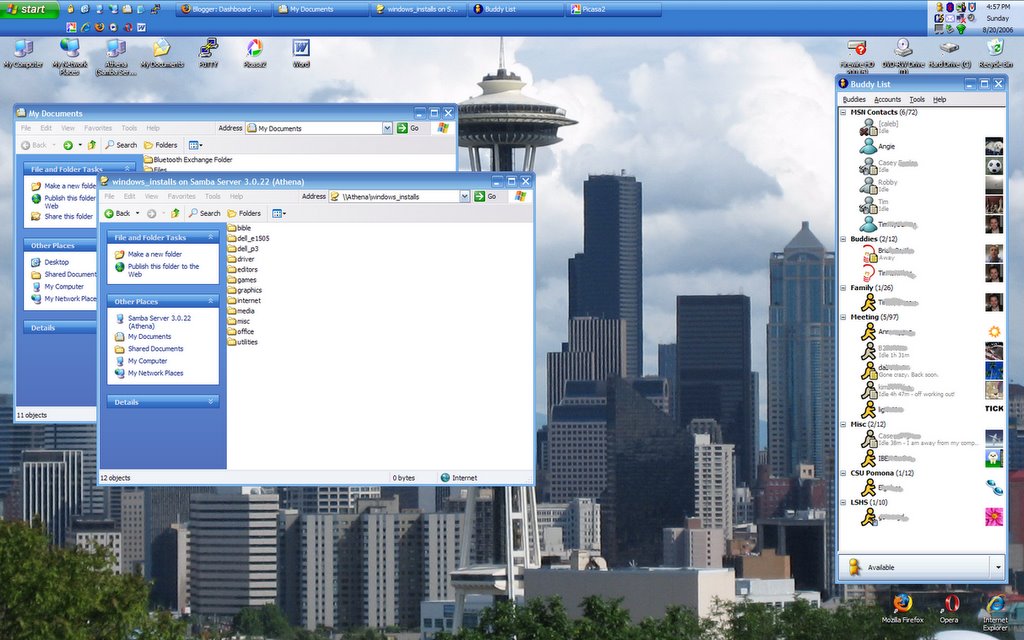
I had become quite adept at transferring the necessary settings and files from one install to another through the process of repeatedly installing beta versions, so I had no trouble doing that, with the help of my external drive to hold the files, and Athena, my trusty Linux server, still had all of my install files. I upgraded where there was a new version of a program that I use.

Vista's fancy-shmancy window-switching: if you have a graphics card that can handle it, you can use it with Win+Tab (in stead of Alt+Tab).


For all the hum-drum of the final release, I don't want to give anyone the impression that Vista is not pretty. Vista is very pretty, and I think they've done a fine job. The User Account Control feature isn't annoying anymore.


They seemed to have made some minor UI tweaks. I noticed some of the sounds had changed. Also, the file folders used to be open just a crack, so that you could hardly see what was inside them, and they've opened them up a bit.


Vista still doesn't behave quite right with the taskbar on the top of the screen (which is not standard). I still get windows opening underneath it, and two of my icons at the bottom of the screen (Firefox and Opera) keep migrating up one notch.

I haven't yet explored the differences between Home Premium, which is what I had for the beta test, and Ultimate.

I've Moved from Israel to Poland!

Well, technically speaking, my server, athena has moved its DNS listing from athena.gentoo.org.il (Israel) to athena.gentoo.ltd.pl (Poland). This occured because apparently the "Israili society for Free Open Source Software," which had registered gentoo.org.il, originally as a site to host a discussion board and support for users of the Gentoo Linux distribution, had apparently not gotten off the ground, and had donated their DNS listing to the FreeDNS pool at freedns.afraid.org, but that domain was now expiring or changing hands, so it was leaving the pool I've had to move before. Over the past year-and-a-half, I've been at: As you can see, my method of chosing names has typically been to search for something with "gentoo" in it, and then add the hostname "athena" to the beginning of it. Changing domains for me involves the following:
  • Setting up a new DNS entry with the domain server
  • Changing the update URL in the cron script that updates the listing whenever my IP address changes
  • Updating the PuTTY saved sessions on Windows boxes that I use to access Athena via SSH from outside the home network.
  • Updating the links in my blog templates that point to Athena
  • Updating all the links in all of my blog posts that point to content hosted on Athana (mostly pictures)--this one is time-consuming, and has the unfortunate side-effect of re-shuffling my blogs' RSS and Atom feeds.
It's those last two that are the problem. So, why do I put myself through this? It's getting to be pretty inconvenient to have to change all of this every few months in order to keep my links to hosted pictures unbroken. I know one thing I could do would be to pick a more stable domain to subdomain off of. Free DNS entries with "gentoo" in them tend to be unreliable for piggy-backing off of because they tend to belong to failed websites that are simply waiting for their registrations to expire. If I were to choose something more stable, it would last longer, and I wouldn't have to change all of the time. But I like having "gentoo" prominently in the name. It's part of Athena's identity: Gentoo is what makes her tick. I could register my own domain name, of course. It's something I've considered, and something I will probably end up doing eventually. Part of my reluctance is the fact that hacked-up, free DNS is very much in the spirit of Linux, especially Gentoo, which is geared toward customization and tweaking. Yep, I'm just another one of those free software hippies.

Wednesday, January 24, 2007

New Blogger Layout

You may have noticed that my blog now looks like everyone else's, with the navigational bar on the right. You may also have noticed other changes. These are all due to the fact that I just changed over from the old Blogger to the new Blogger, with its new layout engine. Before, I was able to use the same template on both of my blogs, simply by copying and pasting the template HTML from one blog to the other. With the new WYSIWYG editing, this is not possible, because the modules are unique to each blog, and copying a template which references nonexistent modules is a bad idea. I was able to keep most of the same page elements, though I have since removed some of the lists of links from this blog so that I only have to maintain one list. From this point, I expect the content of the nav bars to grow apart, so I'm paring them down to what makes sense for each. The advantages of the new layout engine over the old are:
  • Labels
  • Comment feeds
  • Graphical layout and template content management
  • Dynamic pages: instant publishing
One thing that I don't like as much about the whole "New Blogger beta" is the fact that it's tied to my Google account. Now, not only does Google have all of my e-mail indexed, it "knows" that the same person owns these two blogs, and performs the searches that I perform while logged in. It also has a few purchases associated with my account, thanks to Google Checkout. I'm not paranoid or anything, I just don't like that the same company has all of this information on me. It increases their confidence that they can predict what I will like (which no doubt drives the AdSense ads that I see while online), but that also decreases my freedom to dictate how I am perceived by the websites I use. Obviously, I could use a separate account for all these things, which is pretty much what I was doing before I started using my Google account with Blogger, but there's the convenience factor. That, combined with the $20 off $50 deals they were offering is why I use Google Checkout. The world would be a more convenient place if all websites had a single login in order to make a purchase in stead of a separate account at each, but I would rather that my bank manage that account, and that my bank not also have access to all of my e-mail and online musings, conveniently tied together in the same account. Don't get me wrong, I'm rooting for Google against Yahoo, Microsoft, and the other portals because they generally do things right, but that doesn't mean I'm going to drink their Kool-Aid and trust them blindly. I may yet decide to create separate dedicated accounts for blogging, e-mail, and purchases. It's so convenient not to, though.

Saturday, November 25, 2006

Triple-Booting

For a short period of time I was triple-booting on my laptop with Gentoo Linux, Windows XP, and Windows Vista. I compiled Linux from scratch and got everything working and set up, even the WiFi card, but in the end, it wasn't worth it to have to keep rebooting to switch operating systems, especially since the applications I used most were exactly the same across each platform: Firefox and Gaim. I kept XP around because my printer isn't supported in Vista. After a week of rebooting just to print, and dealing with Windows file permissions hell, and keeping files synchronized across three operating systems, I decided to wipe the hard drive and just go with Vista. If I want to print, I can print from Athena in Linux. The main benefit from the end user perspective of Vista is its pretty interface. There's a lot that's changed under the covers, but chances are most users aren't going to notice that so much, especially in day-to-day use. Mostly I installed Linux to prove to myself that it could be done. My laptop is relatively new hardware, and I wanted to see how the process of getting off the ground worked. I don't think Linux is a good OS choice for a laptop. A desktop or server, yes, but not a laptop. Linux was not meant to be turned on and off all the time and adjust to its environment on the fly. Windows XP Windows Vista Gentoo Linux with GNOME desktop Gentoo Linux with KDE desktop, just for show: this is the default without any customizations, since I didn't really use KDE.

Tuesday, September 05, 2006

Downtime

Athena was down all day while I was at work. Everything was working fine last night. The upgrade had gone as planned. Just to be sure there wouldn't be any surprises along the road, and to make sure I was using the latest compiles of everything, I decided to reboot before I went to work. I logged in, su'd, typed "shutdown -r now" and then went off and brushed my teeth and got dressed. When I came back, the login screen had come up. I switched over to tty1 to see if any of the services had screamed at me: none had, so I switched back, logged in, opened up firefox, and typed "http://localhost/" into the address bar. My (boring) directory listing page came up, indicating that Apache was running a-okay, and so I turned off the projector and headed to work. When I got there and tried to log in, however, I got no response from athena.

I tried accessing it through a web browser: nothing. Both ssh and apache weren't responding, so I figured either the whole box had gone down (i.e., kernel panic) or there was some sort of connection issue: perhaps the router wasn't port forwarding, but there was no way I could tell until after work, so I logged on to blogger and saved the post I'd put up directing people to download some files off of athena as a draft (so it would disappear), and went on with my work. When I got home, athena was running just fine, but when I tried to pull up external web sites, I got nothing: so it was a connection issue.

It wasn't the router: my laptop was doing fine, and the port forwarding was still set up. I looked at my init scripts and their accompanying config files: nothing seemed amiss. I restarted the ethernet interfaces and, viola, my network connections were restored: everything worked perfectly. That still didn't satisfy me: I didn't want athena to always start up without a net connection, so I rebooted her again, and the same thing happened. Then I remembered something I had read somewhere (probably the weekly newsletter) about the init scripts changing with the 2006.1 profiles. There was probably a dependency issue somewhere that was messing me up because my ethernet connections were loading too soon, but I had to have parallel startup because of my local DNS cache software.

I decided to look deeper into the issue, and so I pulled up the wiki page for dnscache, and searched the text for "parallel." Nothing. That was odd. I'm absolutely positive that this was the page that told me that I needed to set RC_PARALLEL_STARTUP="yes" in /etc/conf.d/rc. Could it be that the requirements (and the page) had changed? "Parallel" was one of my search terms to find the wiki page, so I went back to my Google tab and opened the cached version of the page: lo and behold, there it was, so someone had very recently changed the page to delete that instruction. I fired up vi, and changed the value to "no" and rebooted. Worked like a charm, only charms don't actually work, whereas this did. So, it wasn't gcc, and it wasn't my config files getting overwritten, it was some change they had incorporated into the new 2006.1 profile.

From the newsletter:
Some highlights from the release include the AMD64, HPPA, x86, PowerPC, and 64-bit PowerPC with a 32-bit userland releases being built with version 4.1 of the GNU Compiler Collection (GCC). AMD64, PowerPC, and x86 also feature version 2.4 of the GNU C library (glibc), while all architectures use baselayout 1.12.1, which features many improved startup scripts.
Improved. Indeed. Well, at least they warned me.